
Concerned about your WhatsApp privacy? With billions of users and evolving features, securing your data is more important than ever. Here are five key privacy settings you should activate today.
End-to-end encrypted backups
WhatsApp's cloud backups are now end-to-end encrypted, meaning only you can access them—not even WhatsApp, Google, or Apple, reports Hindustan Times.
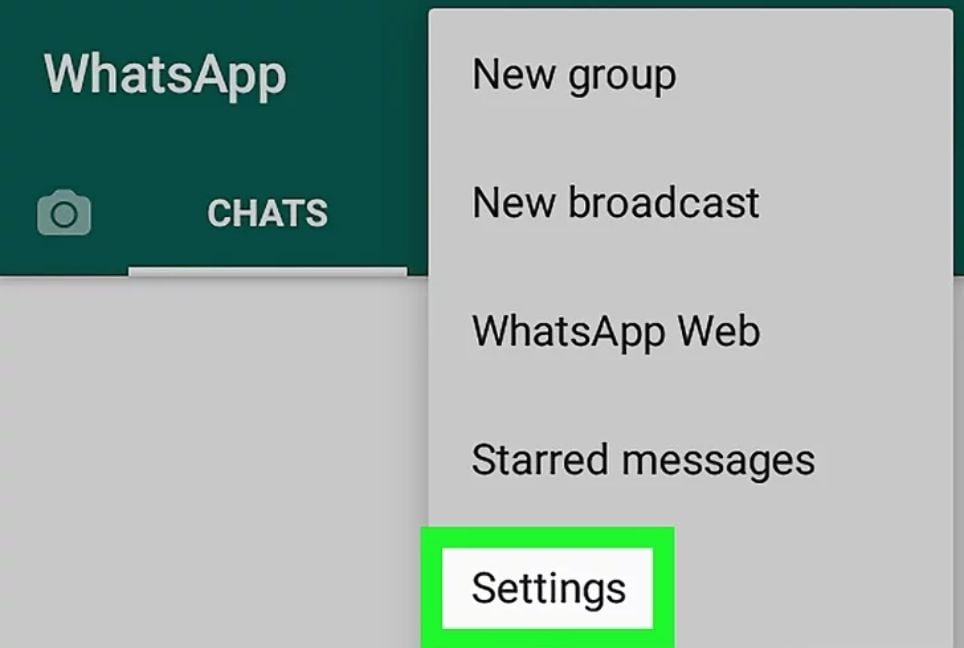
How to enable: Go to Settings > Chats > Chat Backup > End-to-End Encrypted Backup. Set a password or 64-digit encryption key to secure your backups.
Advanced chat privacy
Protect sensitive chats by blocking others from exporting messages or saving media from specific conversations.
How to enable: Open the desired chat, tap the name, and select Advanced Chat Privacy to adjust settings.
Two-step verification
This feature adds a security PIN to prevent others from registering your number on another device.
How to enable: Go to Settings > Account > Two-step verification and set a 6-digit PIN. You can also add a recovery email for added safety.
Group privacy controls
Avoid unwanted group additions by managing who can add you. Choose from: Everyone, My Contacts, or My Contacts Except.
How to enable: Head to Settings > Privacy > Groups and select your preferred option.
Hide ‘Last Seen’ and ‘Online’ status
Limit who can see when you were last active or currently online to avoid unwanted attention.
How to enable: Navigate to Settings > Privacy > Last Seen & Online and customize visibility.
Stay in control
These settings are quick to enable and can significantly boost your privacy. Take a few minutes to activate them and ensure your WhatsApp experience remains secure and private.
Bd-pratidin English/FNC