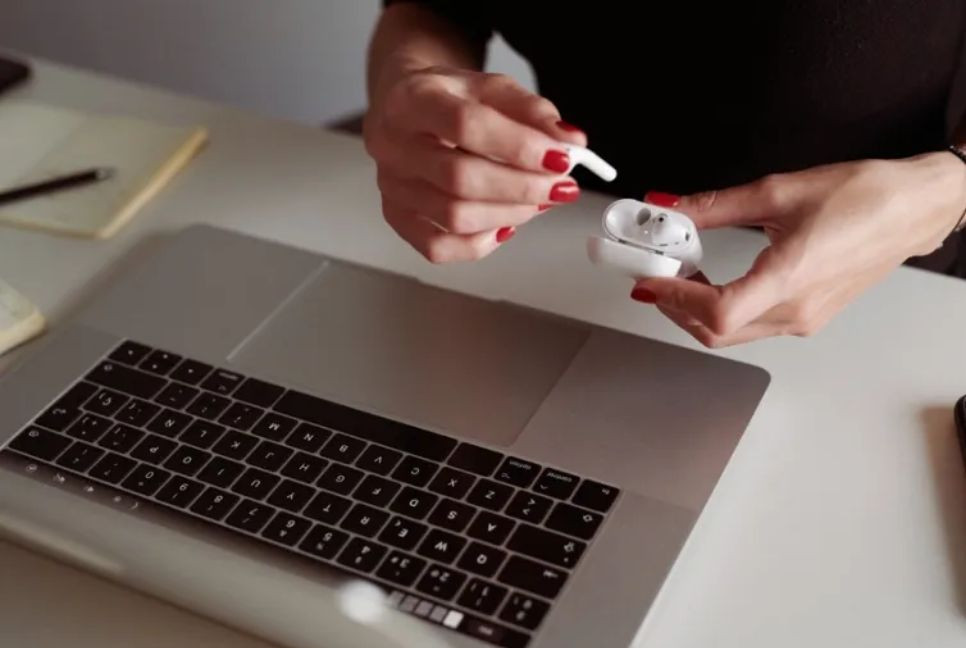
Smartphones, laptops, and headphones – our daily essential devices gradually accumulate grime that needs to be cleaned off.
The accumulated bacteria in earbuds and debris may even cause health issues or discomfort.
Here are some pointers on cleaning your tech:
Always check if the manufacturer has any specific guidelines for cleaning.
Some basic equipment and material for cleaning are: a soft and lint-free cleaning cloth, like a microfiber cloth; cotton swabs; a soft-bristled brush like a toothbrush, paintbrush or makeup brush; compressed air and isopropyl alcohol.
Isopropyl, or rubbing alcohol, is a non-toxic cleaning solvent that’s antiseptic and antibacterial. It’s popular for cleaning electronics because it doesn’t leave any residue and dries quickly. But you might want to wear gloves to avoid skin irritation. Drip some of it on a cloth instead of pouring it directly onto your device. Also heed some of the more specific warnings below.
Water and mild soap can be useful for cleaning dirty surfaces, but isopropyl alcohol is recommended for cleaning the internals of a device, said Alex Diaz-Kokaisl, a senior technical writer at the UK.
“While there isn’t a hard-and-fast rule for cleaning electronics, we generally use high-concentration isopropyl alcohol (more than 90%) because it evaporates quickly,” he said. “The faster a liquid evaporates, the less likely it is to affect any components that conduct electricity.”
For whatever device you’re cleaning, disconnect or power it off first. Remove any cases, plugs, covers and accessories.
Computers and laptops
Keyboards and mouses need the most frequent cleaning. Use compressed air to remove debris or a cold-air hair dryer if unavailable. Logitech suggests a handheld balloon pump as an alternative.
Next, wipe the keyboard and mouse with a damp cloth. Rubbing alcohol is safe but test it first to avoid damage.
"Anti-bacterial baby wipes can also work on devices like a mouse," said Diaz-Kokaisl.
“There shouldn’t be enough liquid to seep through cracks in the shell, and their residue typically evaporates faster than just using soap and water,” he said.
For screens, use a dry microfiber cloth. For stains, use distilled water or a 50/50 mix of water and vinegar. Avoid glass cleaners, ammonia, rubbing alcohol (HP warns), and paper towels.
Earbuds and AirPods
Earbuds collect wax and oils. For silicone tips, use soapy water (Logitech, Bose). Sony recommends dry cloths only. Clean nozzles with a cotton swab.
Apple AirPods need micellar water and distilled water with a toothbrush and paper towel.
Repeat the brushing and blotting twice for both liquids. Let them dry for two hours.
Clean the body with a damp cloth. Apple suggests brushing out debris from the charging case and wiping with a dry cloth, or dampening with isopropyl alcohol if needed.
Headphones
Bose advises weekly cleaning, especially after workouts. Remove pads and use a cloth dampened with soapy water.
Smartphones
Apple and Samsung recommend a soft, lint-free cloth for phone exteriors.
Apple warns against cleaning products that may damage the oil-repellent coating. Both brands allow rubbing alcohol but advise against bleach or hydrogen peroxide.
Bd-pratidin English/FNC